%20(1).png?width=325&height=82&name=Logo%20Endorphine%20(1)%20(1).png)
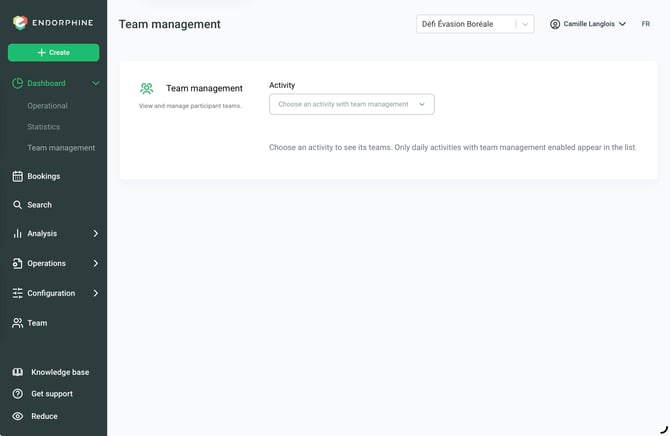
The Team management section allows you to view the teams registered for an activity.
- From the Dashboard, click Team management.
- Select the activity for which you want to view the teams.
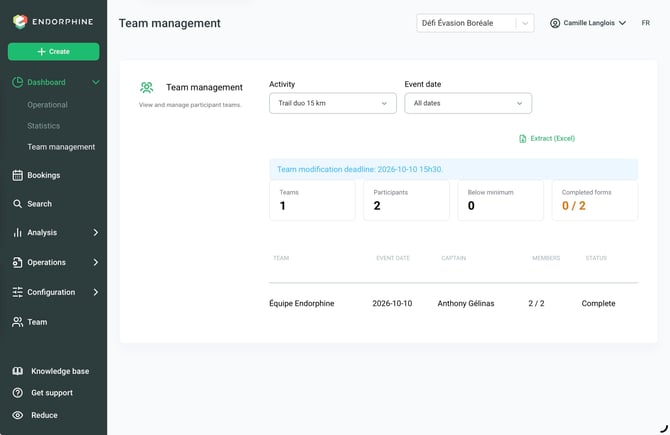
The list of teams displays the following information:
- Team name
- Event date
- Team captain’s name
- Number of members
- Team status (complete or incomplete)
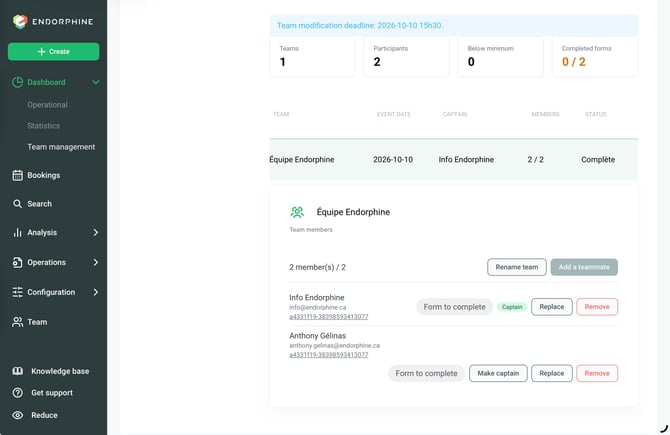
To view the details of a team, click on the team. You can then:
- Edit the team name
- Add members
- Replace a member
- Remove a member
- Make captain
You can view and manage teams registered for an activity directly from this section.
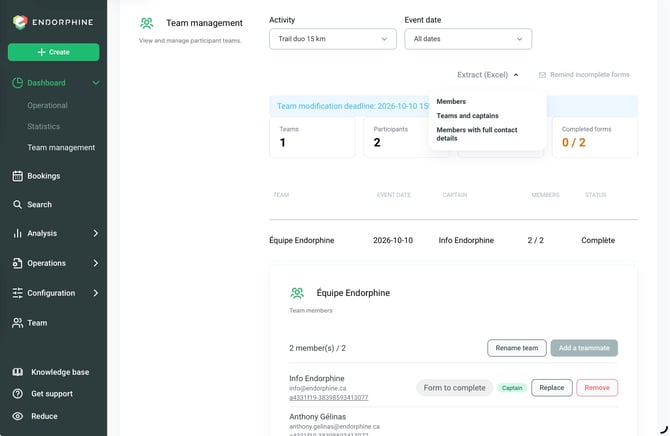
You can also export to Excel the following information:
- Members
- Teams and captains
- Members with complete contact information
You can also send a follow-up email to customers with incomplete forms.