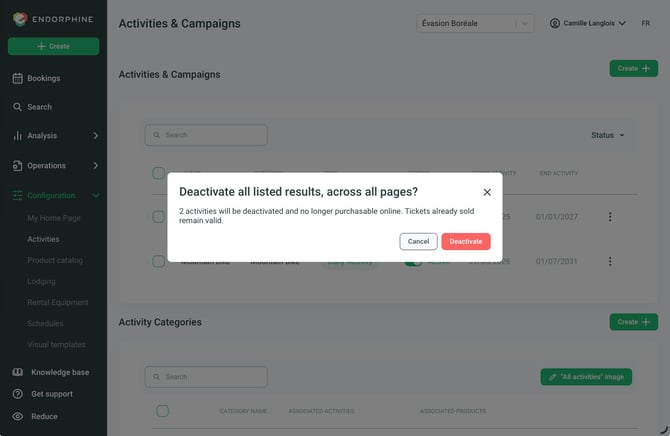
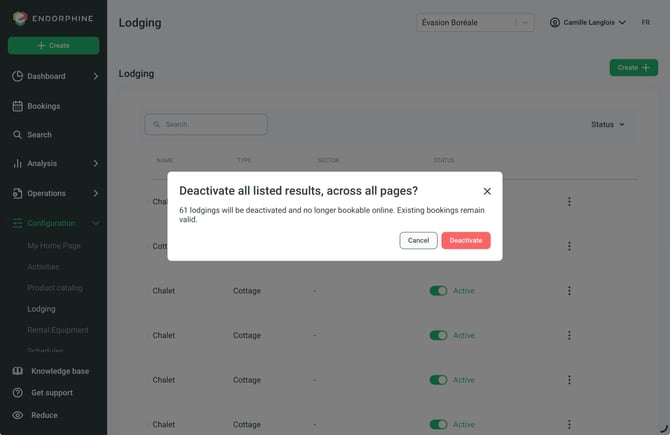
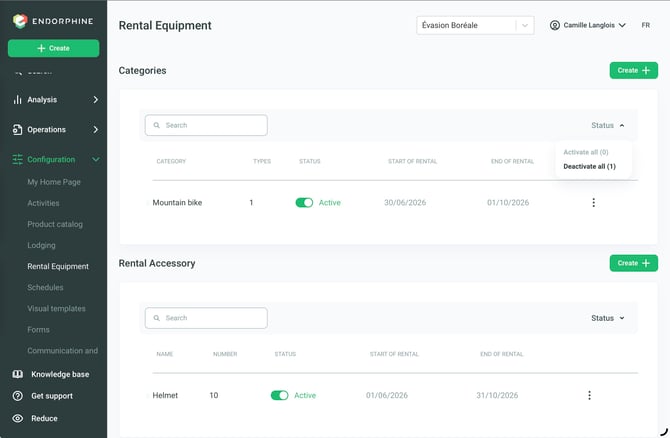
You can manually activate or deactivate your activities, accommodations, and rental equipment. You can also perform this action on multiple items simultaneously.
What is the difference between activating and deactivating an item?
- Activate: The item becomes visible online and available to customers.
- Deactivate: The item is no longer visible online to customers but remains accessible in your management interface. You can still sell it by manually adding it when creating an order.
This feature applies to all three types of items:
- Activities;
- Accommodations;
- Rental equipment.