%20(1).png?width=325&height=82&name=Logo%20Endorphine%20(1)%20(1).png)
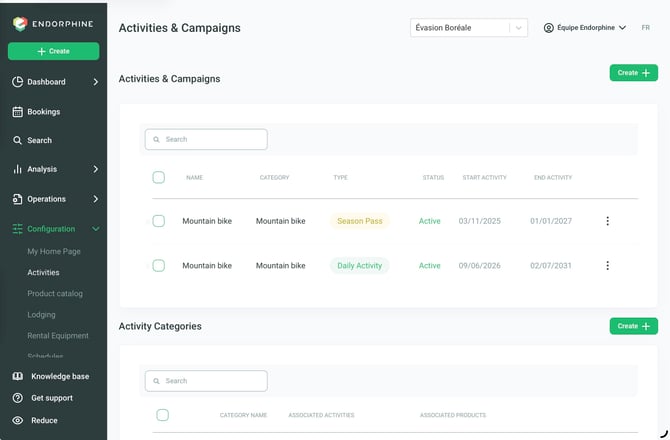
Go to Configuration > Activity to access the Search tab, which allows you to quickly find an activity or activity category.
Use the search bar to easily locate the desired activity or category.
1. Details
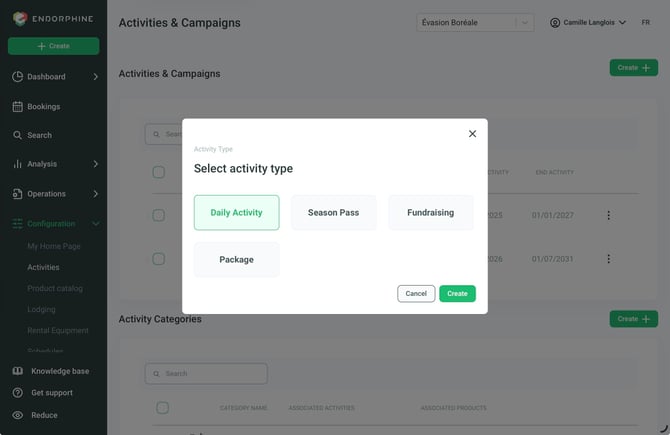
Activity Name
Enter the name of the activity offered (e.g., Mount Royal Hiking Experience).
GL Code
Select the general ledger (GL) code associated with this activity for financial tracking.
Activity Description
Write a clear and concise description of the activity to attract customers.
Include key information such as:
- What participants will do (e.g., “Explore the scenic trails of Mount Royal.”)
- Activity duration (e.g., “3 hours.”)
- Special instructions sent after purchase (e.g., “Bring hiking shoes and water.”)
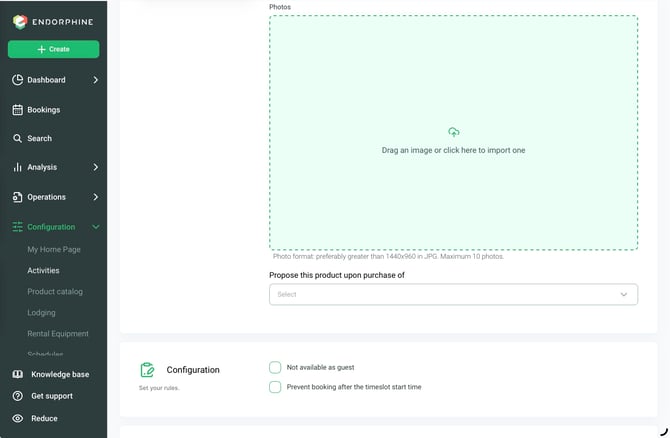
Photos
Add high-resolution images to showcase the activity.
Suggestions: Photos of participants in action, representative landscapes, and other relevant visuals.
2. Standard Pricing
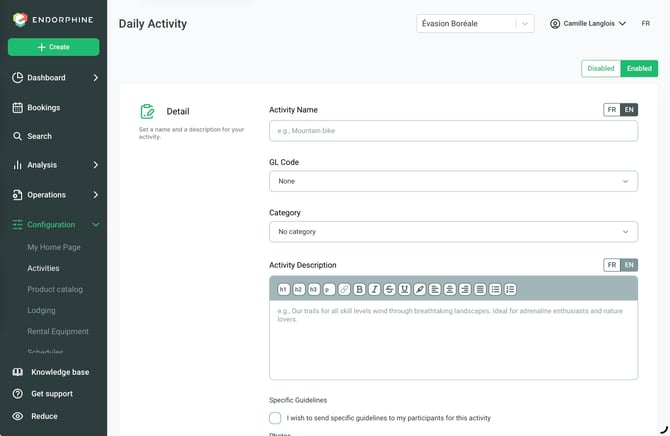
Purpose: Define the standard pricing for the activity and specify purchase settings.
Configure the following:
Purchase Period
Specify the dates during which customers can purchase the activity (not the availability dates).
Booking Type
Choose one of the following three options:
- With Booking Calendar and Schedule:
Customers reserve a specific time slot configured in the Schedule section. - No Specific Date:
Allows customers to use their ticket at a later date by manually activating it or validating it on-site. - Hybrid:
Provides flexibility between the two previous options, depending on the customer’s preference.
Pricing Name
Clearly describe the ticket type or pricing option (e.g., Adult, Child, Group).
Advanced Options
Access these options from the three-dot menu in this section:
- Add Identifiers:
Allows you to personalize tickets (e.g., participant names). - Create Package Prices:
Combine multiple tickets under a single pricing option (e.g., 2 adults and 2 children). The number of tickets generated corresponds to the number of identifiers added.
GL Code
Optionally, select the corresponding general ledger (GL) code.