%20(1).png?width=325&height=82&name=Logo%20Endorphine%20(1)%20(1).png)
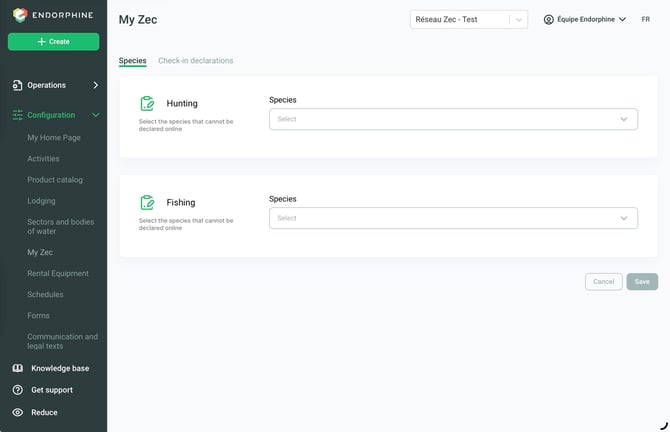
Go to species :
Hunting
- Go to the My ZEC section.
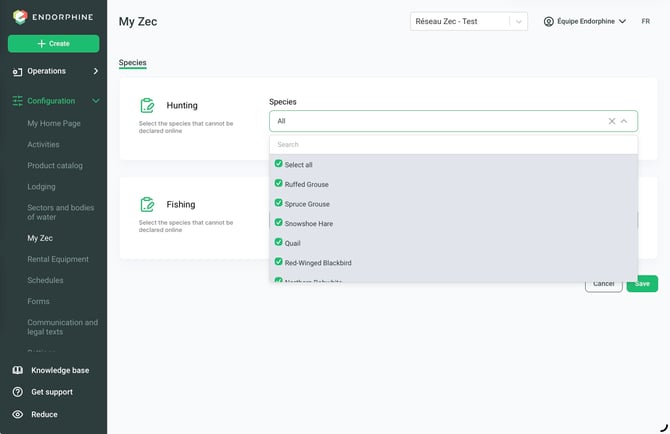
- From the Hunting dropdown menu, select each species available on your territory.
- Save your changes to confirm your selection.
Fishing
- From the Fishing dropdown menu, select all species present on your territory.
- Save your changes to make them available.
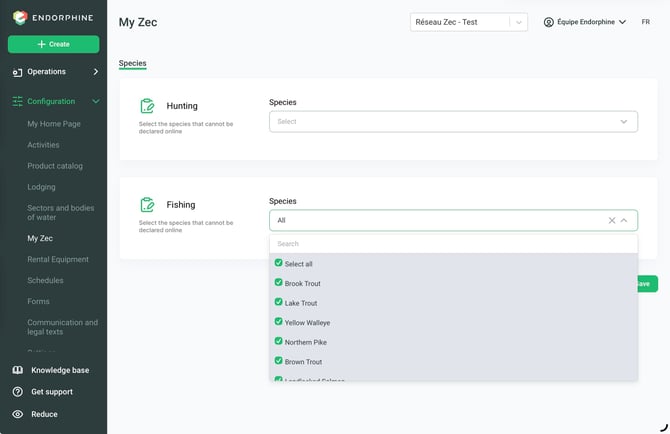
Species Activation and Management
Once species have been added, you can enable or disable specific species according to your territory management needs.
To remove a species, deselect it from the corresponding dropdown menu.
Check-in declarations
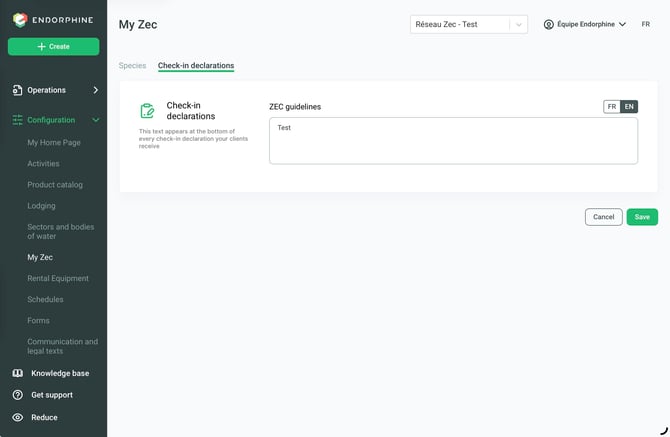
If you have instructions to provide to your customers, you can enter them in this section.
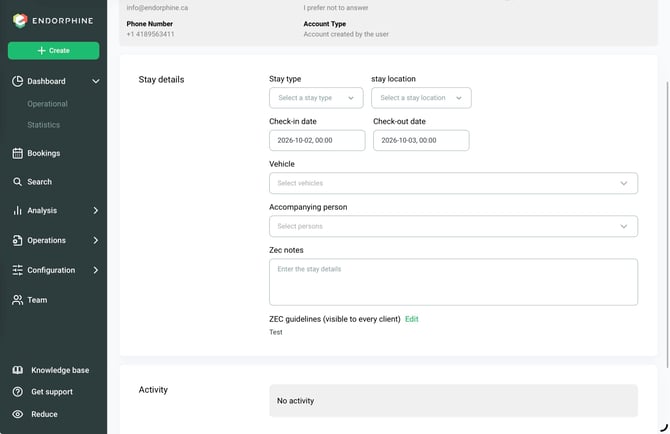
They will then appear in the customer check-in form. See the example below (test) – ZEC Instructions.
You can also add a custom note for the customer in the ZEC Notes section.
You can also edit the note.